
Magpie
Please note: Magpie does not currently work in Chromium browsers due to a bug in the way Picotron+Chrome detects keyboard input. Please use another browser, or download the offline version instead.
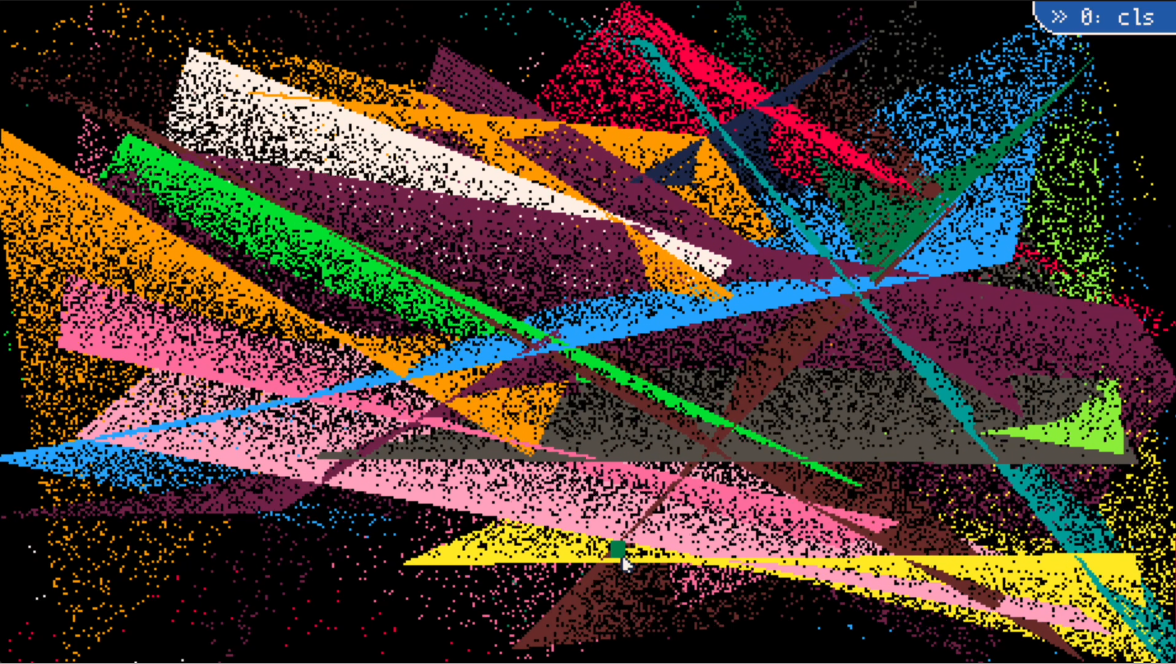
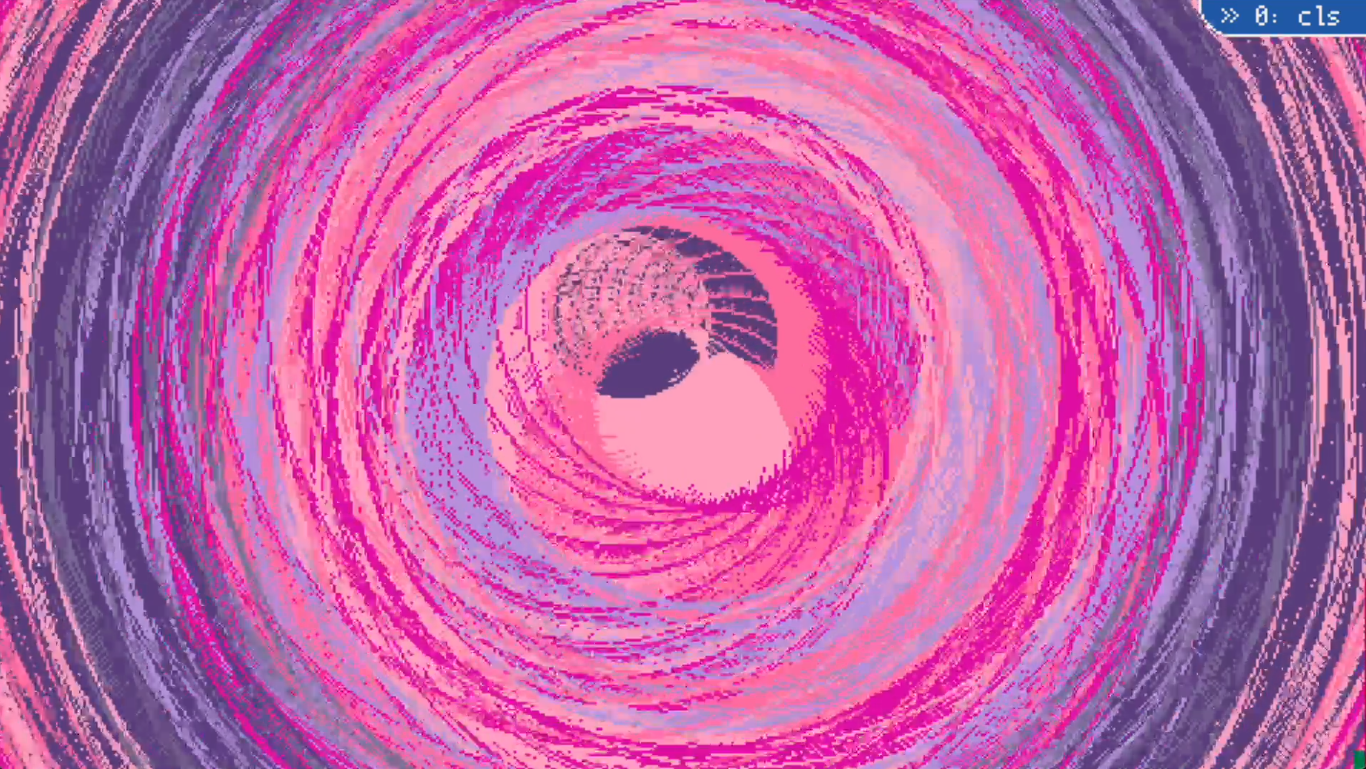
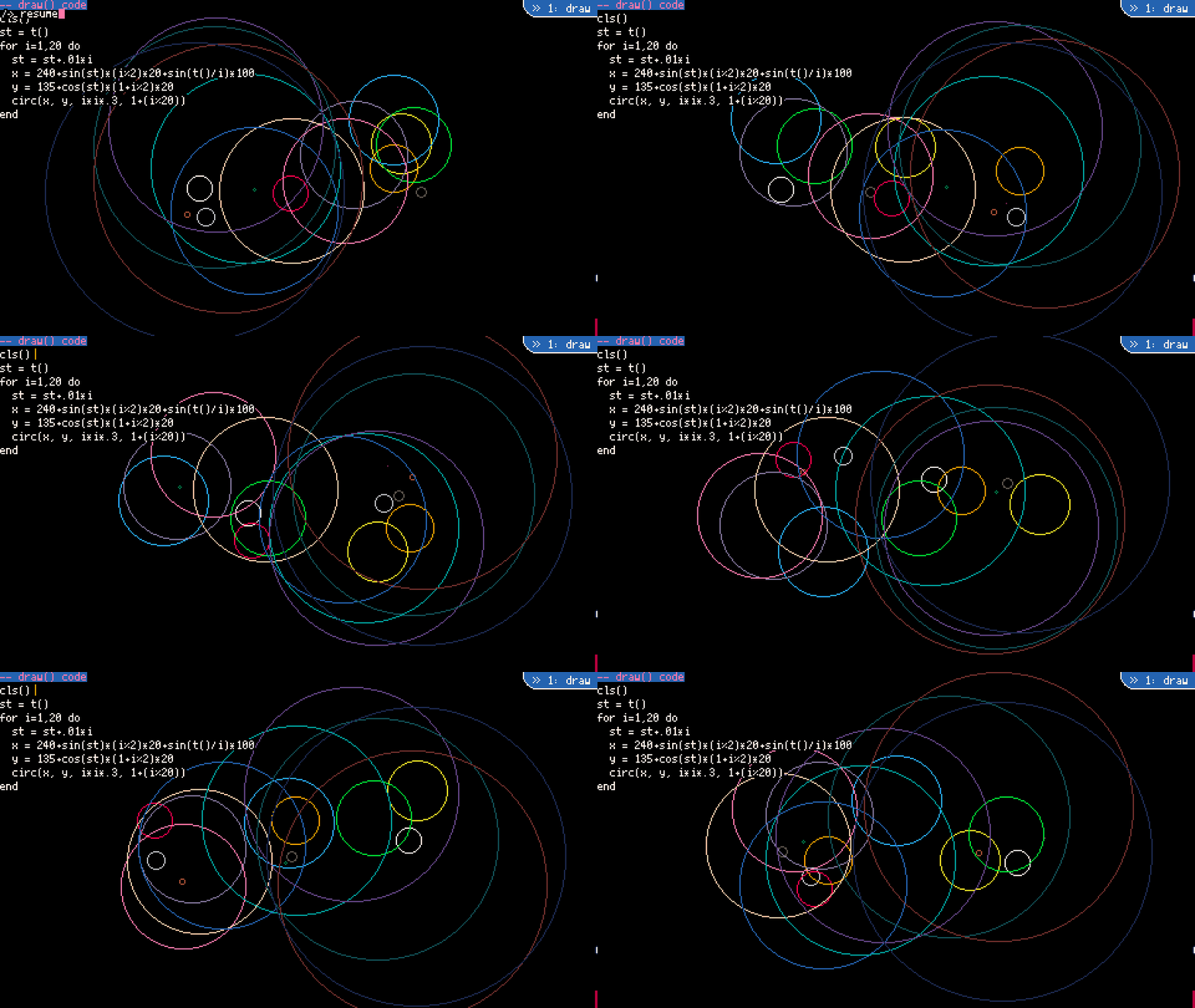
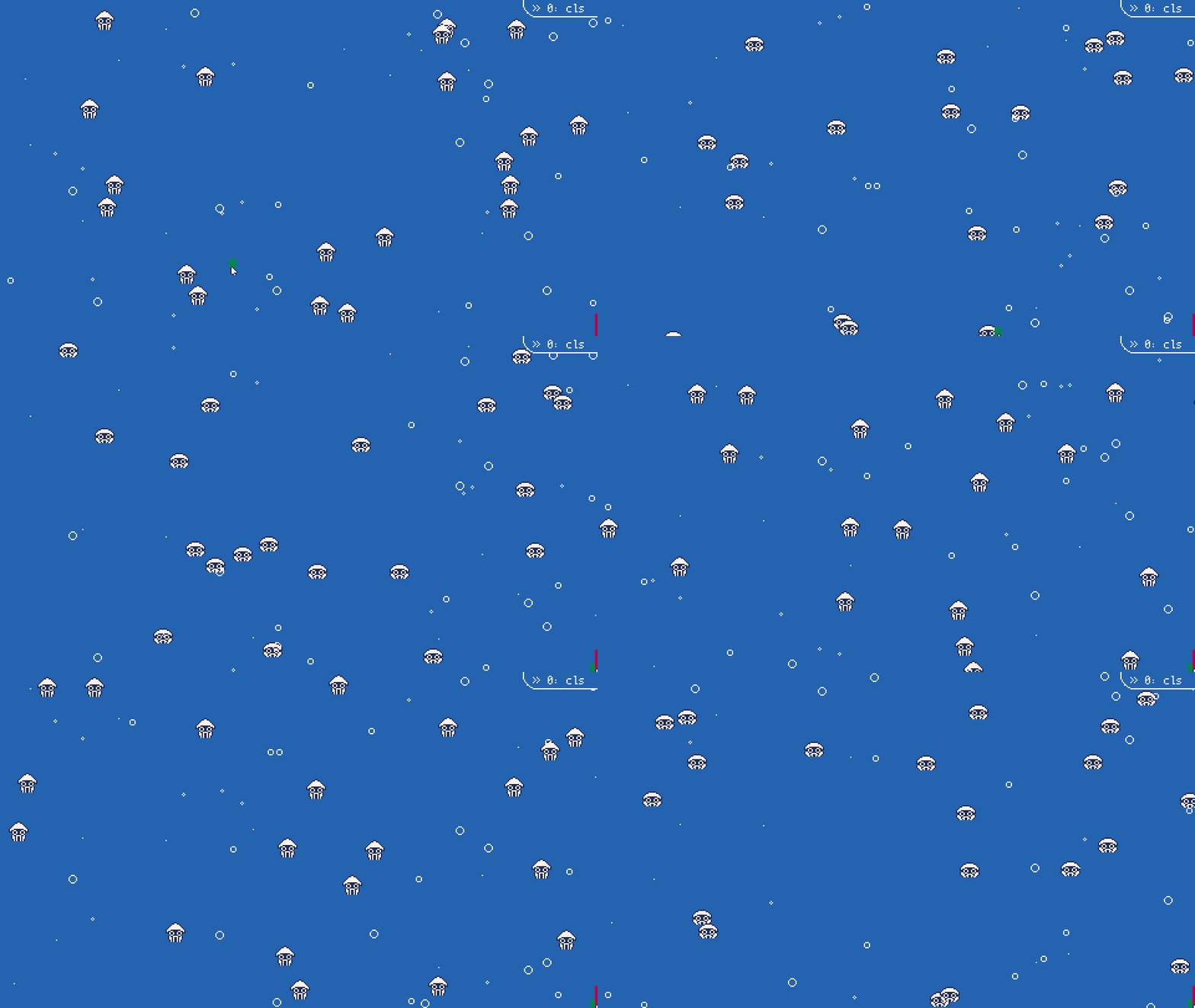
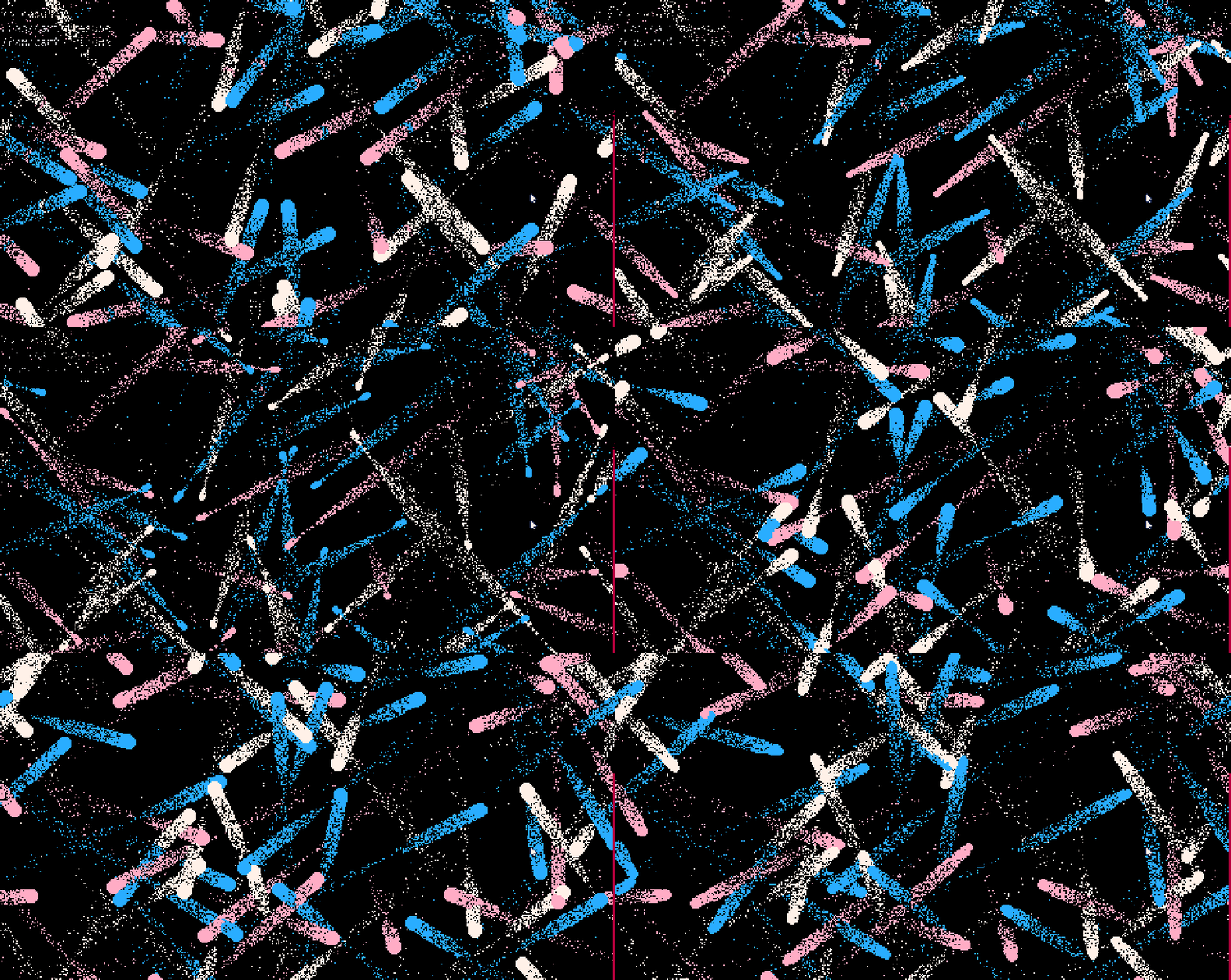
Magpie is a visual livecoding tool made in Picotron. You can play with it online in the browser right here, download a binary to run on your computer, or load it up inside your Picotron OS via the BBS.
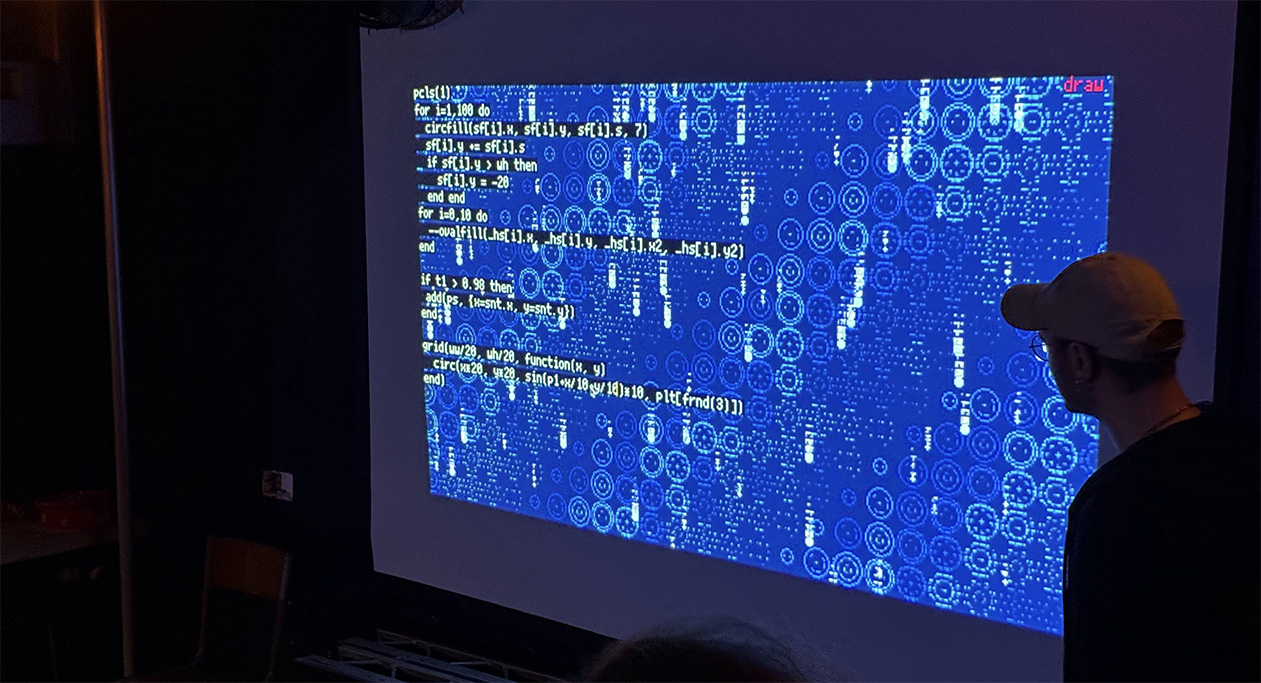
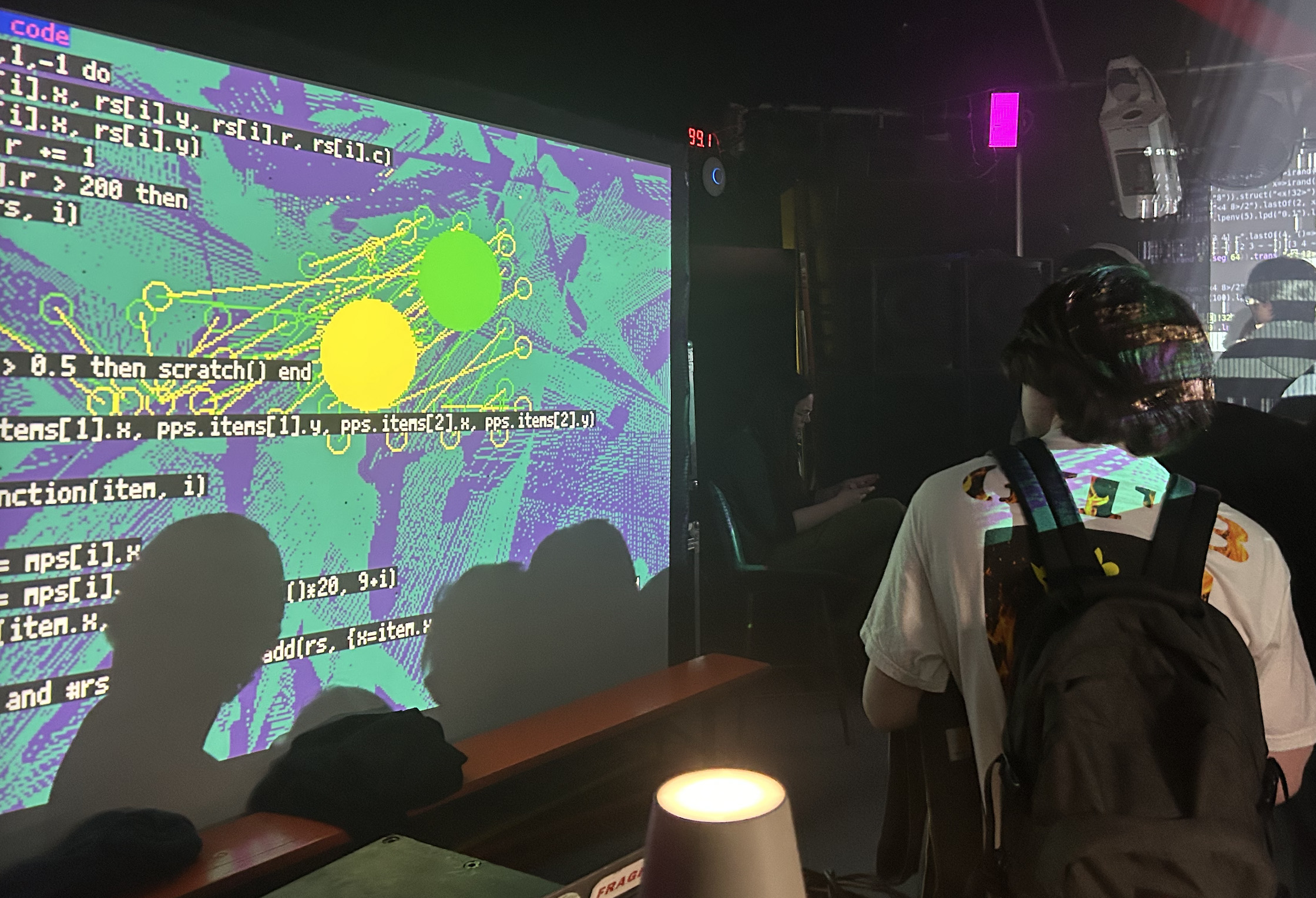
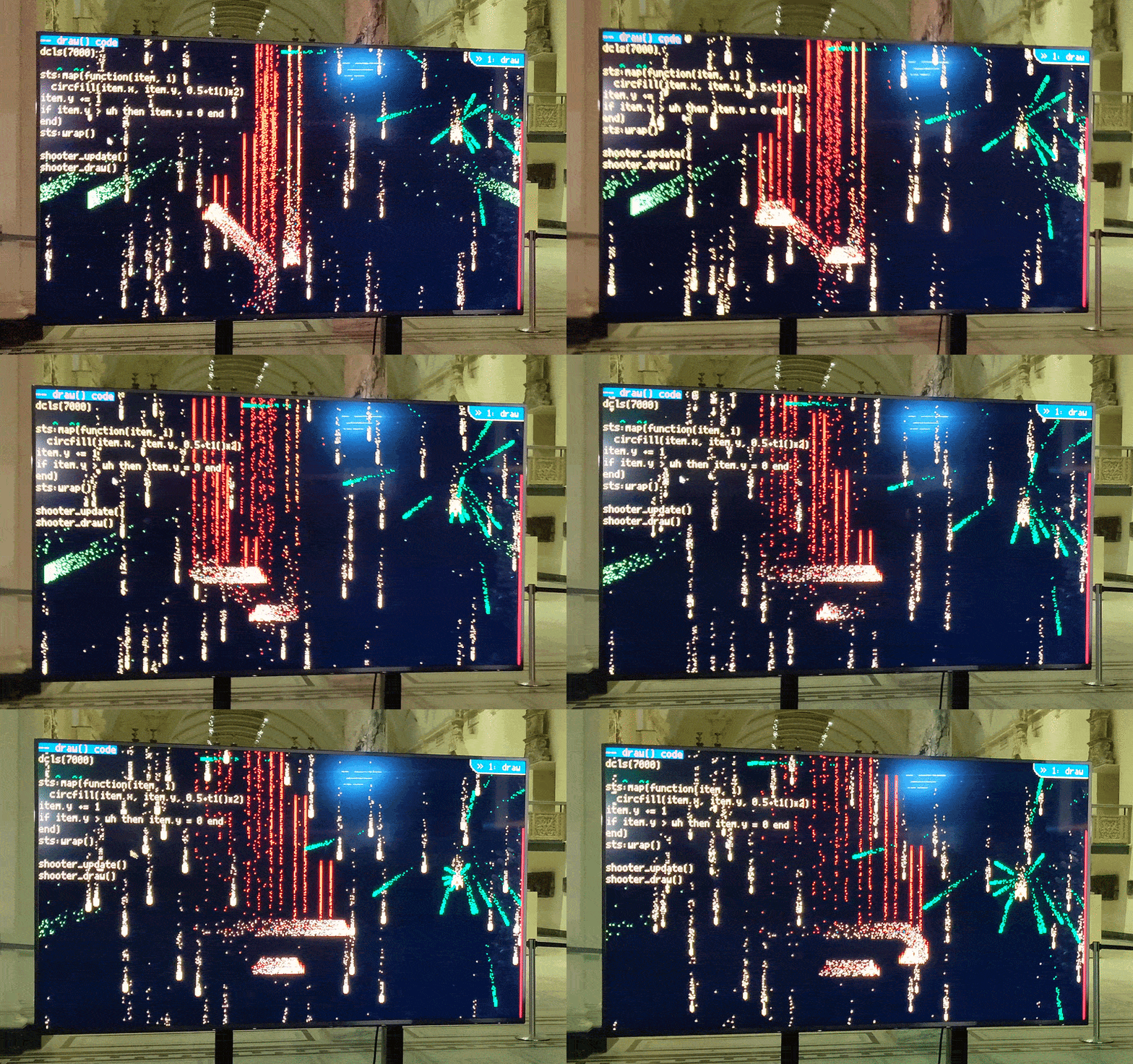
You can use Magpie to make interesting visual effects, and then instantly execute it and show the results on the screen. Here's a little video of me performing with Magpie at an event in London:
Tutorials, Docs and FAQ
- For an introductory tutorial, click here.
- You can find documentation for some of Magpie's cool features here.
- There's more FAQs here.
Magpie is under active development! I've released an early version for people to play around with. If you perform with or make something in Magpie, I'd love to hear about it.
Many thanks to Magpie's first tester, Chris Allen, for finding bugs and contributing some example demos! Thanks to eggg/jon and Boggo for experimenting and making cool things and being so supportive.
Quick Start
Once Magpie runs, press CTRL + i to close the instructions window. You can then start typing code to draw things on the screen (you may need to click the window to give Picotron focus)! To see an example program, type:
demo()
And then press CTRL + ENTER to execute the program. Magpie will paste in some example code and run it for you!
A quick overview of some useful controls:
- CTRL+ENTER - execute your code
- CTRL+SHIFT+C - clear all code
- CTRL+H - pause/unpause
- CTRL+L - load your last program (this works even after closing the tab)
- CTRL+[ and CTRL+] - change between modes in Magpie
Supporting Magpie
Magpie is completely free, and always will be. However, if you'd like to buy me a coffee and donate something when you download Magpie, I really appreciate it! If you do this, you'll gain access to a bundle of bonus things to say thank you - usually custom code I wrote for performances, or sprites I drew for them. This won't have any special features or functionality – the base version of Magpie will always have all of that stuff. At the moment I'm doing this manually but I'll be adding a separate store entry for it later and disabling donations here.
You can also become a supporter via postcardware. If you send me a postcard from your home country (or while on holiday), and include your itch.io username somewhere on the card, I will send that username a copy of the supporter edition! You can send postcards to my office at the university I work at:
Michael Cook
Department of Informatics
Bush House
30 Aldwych, London
WC2B 4BG
Thanks for supporting the project, and the little things I make!
Roadmap
I'm currently actively developing Magpie as I use it in my own livecoding performances. I have a small list of features I intend to add, but if there's something you'd like to be added, please let me know. Features on my todo list:
- Continuing documentation of Magpie's added API
- Saving/loading programs
- Microphone input (a hack kind of works but requires external software)
- Mouse highlighting of code (this is a luxury feature atm)
- s e c r e t t h i n g s
- Simple music stuff?
I have a pretty hectic full-time job at a university, and a pretty hectic full-time arm injury, so Magpie will develop nice and slowly. If you want to get notified when things happen, I recommend following me on bluesky, or downloading Magpie and getting notifications for updates.
Help My Research!
If you use Magpie to perform at an algorave or similar event, I'd love to talk to you! I'm looking to speak to a small number of users about their experience. It'll take no more than an hour, remotely via Zoom. For more info, please email me: mike.cook at kcl.ac.uk.
Download
Click download now to get access to the following files:
Development log
- FAQFeb 26, 2026
- Introduction to MagpieFeb 22, 2026

Comments
Log in with itch.io to leave a comment.
Demo's seem amazing!!
Would you consider changing this shortcut
"CTRL+[ and CTRL+]" are
very hardimpossible to execute on my keyboard layoutNeat :)